
#Plugin Installation

This guide steps you through setting up the Beam plugin in your game engine of choice.
#Prerequisites
Beam requires the latest GLTFast plugin for Unity to load 3D objects. It is recommended to use the LTS version of Unity 2021 for your project.
#Installing the plugin
The easiest way to install Beam is by adding it as a Git URL in the Unity Package Manager.
Go to Window > Package Manager, and click the + button in the top left.
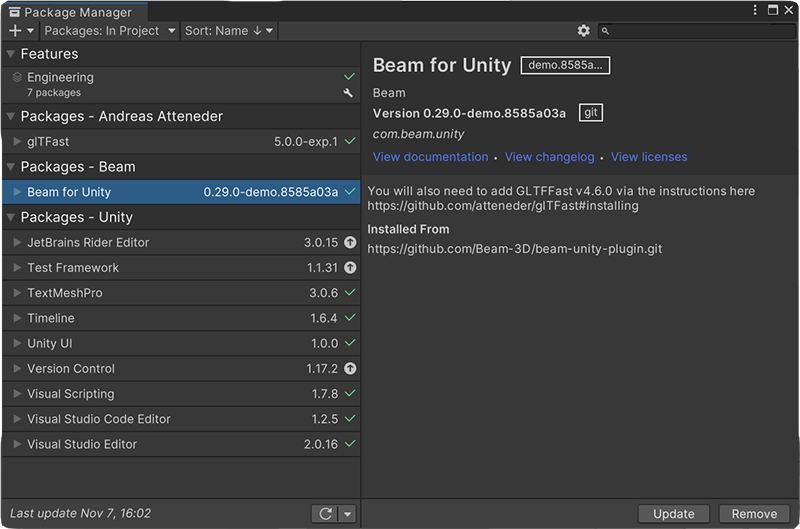
Copy the following URL into the Unity Package Manager:
That's it! There should now be a Beam menu item on the tool bar.